
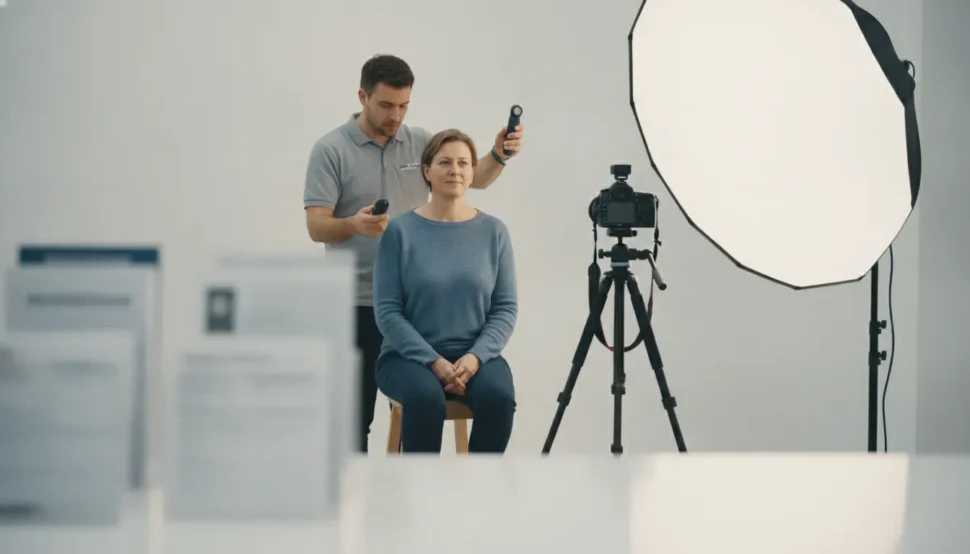
If you are planning to use a Walgreens passport photo, do not put it straight into your application without a quick inspection. A retail photo counter can be convenient, but the final responsibility is still yours. Before you leave, check the size, background, lighting, facial position, accessories, image quality, and whether you received the format your application needs.
Need a second look at your passport photo? Call Justin Document Service at (914) 592-2760.
Are Walgreens Passport Photos Accepted?
Walgreens passport photos can be used for a U.S. passport when the finished photo follows the current U.S. Department of State requirements. The store location does not guarantee acceptance by the government. Review the final image yourself, because an incorrect crop, shadow, expression, accessory, or print can still create a problem.
The safest approach is to treat the counter service as the start of the quality check, not the end. Walgreens may provide a government-size print and, depending on the service selected, a digital file. You should still compare what you received with the current U.S. Department of State passport photo requirements before attaching the photo to an application or sending it to someone who will prepare your documents.
For a broader overview of provider options, see Justin Document Service’s guide to where to get passport photos. This article focuses on the narrower question that comes after you choose a retail counter: what should you verify before you submit the result?
What Should You Check Before Leaving the Photo Counter?
A Walgreens passport photo is ready to use only after it passes a basic visual and format review. Confirm that the print is square and correctly sized, the background is plain and evenly lit, your face is centered and unobstructed, the image is sharp and unaltered, and the delivery format matches your application. Ask for a retake before leaving if anything looks questionable.
1. Confirm the photo is the correct size
A printed U.S. passport photo should be 2 by 2 inches, also written as 51 by 51 millimeters. Do not assume that any small square print is automatically correct. Check that the image has not been trimmed unevenly and that your head is framed according to the government standard. The head, from chin to the top of the head, should measure between 1 and 1 3/8 inches, or 25 to 35 millimeters.
Also confirm that the print is a true square. A photo that looks close to the right size but has been stretched, cropped, or printed with a border can create a problem at submission. If you are receiving a digital copy, ask how the file will be delivered and whether it is intended for a digital application or for printing.
2. Inspect the background and lighting
The background should be plain white or off-white, with no visible pattern, texture, furniture, doorway, or other person behind you. Look at the edges around your hair and shoulders. A busy background, a dark corner, or a strong color cast can make an otherwise clear portrait unsuitable.
Lighting should be even across your face and the background. Watch for shadows under the chin, across the eyes, behind the head, or along one side of the background. Overexposure can erase facial detail, while underexposure can make the image look dull or muddy. A quick inspection under normal light is worthwhile before you accept the print.
3. Check your face, expression, and position
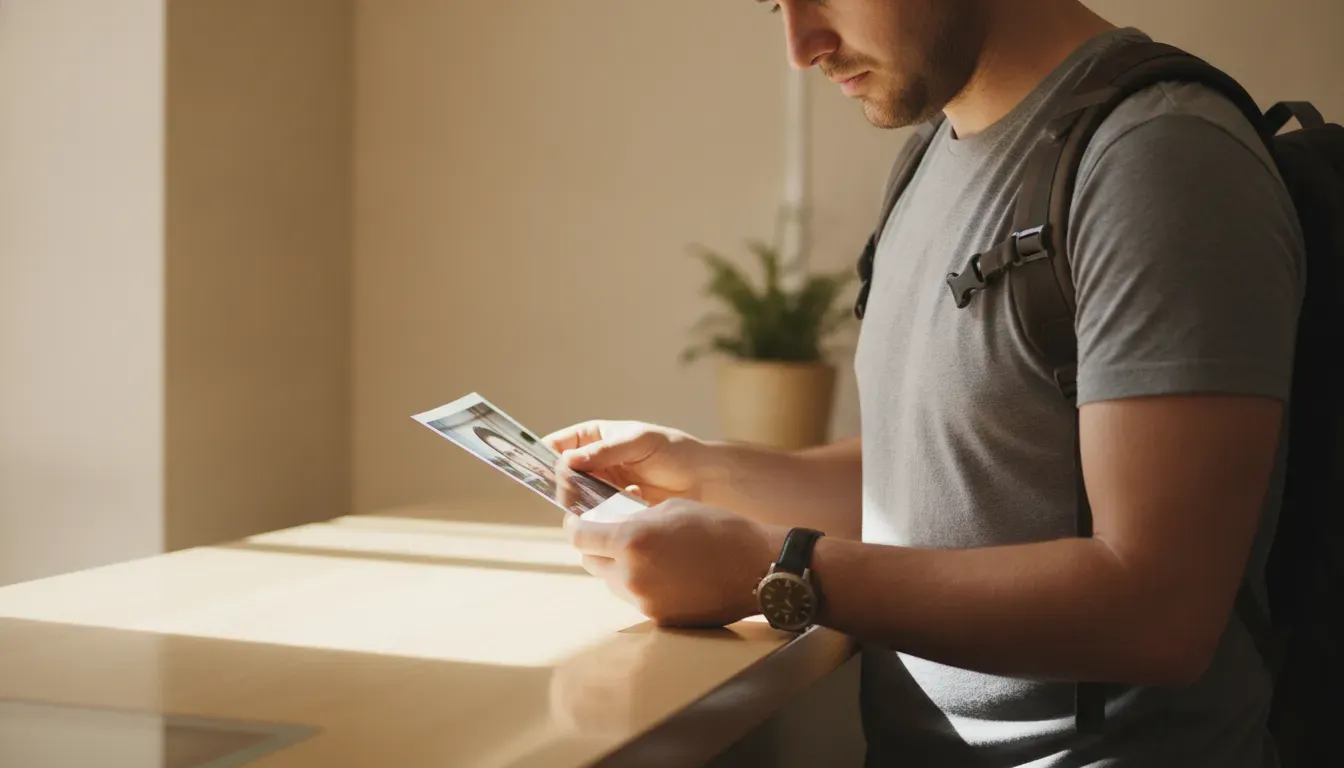
Your full face should be visible and centered, with your head facing the camera directly. Your eyes should be open and easy to see. A neutral expression or natural expression is safer than a dramatic smile, closed eyes, tilted head, or turned shoulders. Make sure your hair is not covering your eyes or changing the outline of your face.
Compare the result with your current appearance. The photo should be a recent likeness, generally taken within the last six months. A photo that technically looks clean but no longer represents you can be a poor choice for an application.
4. Remove avoidable accessories and obstructions
For a standard U.S. passport photo, eyeglasses should be removed. Sunglasses are not acceptable. Hats and head coverings generally should not be worn unless a religious or medical exception applies. When an exception applies, the full face should remain visible and the covering should not cast a shadow across your features.
Do not wear headphones, costume accessories, or anything that makes facial recognition more difficult. Normal clothing is appropriate. Avoid uniforms and camouflage. If you have a medical or religious reason for an exception, keep any required supporting statement with your application rather than assuming the photo counter’s software will explain it for you.
5. Review the print and digital file separately
A printed photo and a digital file are related, but they are not interchangeable in every application. Inspect the actual print for sharpness, clean edges, correct paper, and accurate color. If you receive a digital file, confirm that it opens, is not blurry or compressed, and has not been altered with a filter or face-smoothing effect.
Ask what you are receiving before you leave: printed copies, a digital file, or both. If your application instructions call for a paper photo, a digital file alone will not solve that requirement. If you are applying online, verify the file rules for that application rather than assuming a file intended for printing will automatically meet the upload requirements.
| Check. | What to look for. | What to do if it fails. |
|---|---|---|
| Size and crop. | Square 2 by 2 inch print and correct head size. | Ask for a corrected crop or retake. |
| Background. | Plain white or off-white with no texture or objects. | Request a new image with a clean background. |
| Lighting. | Even exposure with no facial or background shadows. | Ask whether the lighting can be adjusted before reprinting. |
| Face and pose. | Centered face, open eyes, direct view, natural expression. | Retake the photo with your head straight and features clear. |
| Accessories. | No sunglasses or eyeglasses, and no avoidable headwear. | Remove the item and retake the photo. |
| Delivery. | Print or digital file matches your application instructions. | Confirm the correct format before you submit. |
What Are the Most Common Walgreens Passport Photo Problems?
The most common problems are not dramatic failures. They are small details that are easy to miss when you are in a hurry. Examples include a gray background, a shadow from overhead lighting, a face that is slightly too large, glasses left on, or a digital file softened by automatic enhancement. A photo can look acceptable on a phone and still deserve a closer review at full size.
Use this short red-flag check before you put the photo with your passport paperwork:
- Uneven background: Look for gray areas, visible texture, or objects near the shoulders.
- Facial shadows: Check beneath the chin, around the nose, and near the eyes.
- Incorrect crop: Make sure the top of the head and shoulders are framed naturally.
- Obstructed eyes: Remove glasses and move hair away from the eyes.
- Head angle: Retake the photo if the head is tilted or turned.
- Digital smoothing: Avoid filters or edits that change your appearance.
- Print defects: Reject a blurry print, visible streaks, color cast, or damaged edge.
- Old likeness: Use a current photo that still looks like you.
When in doubt, compare the image with the official standard rather than relying only on a store message that says the photo is compliant. The government reviewer, passport acceptance facility, or consular office makes the final determination.
Review Justin Document Service’s passport photograph guidelines before you submit your photo.
How Do You Check a Walgreens Passport Photo Step by Step?
Use a repeatable inspection instead of a quick glance. Start with the physical format, then move inward to the background, lighting, face, accessories, and delivery file. This order helps you catch an obvious size or crop issue before spending time on smaller details.
- Check the format: Confirm whether your application needs a printed photo, a digital upload, or both.
- Measure the print: Confirm the paper is a square 2 by 2 inches and the crop is even.
- Inspect the background: Look for a plain white or off-white background without visible objects or texture.
- Inspect the lighting: Look for even exposure and no shadows across your face or behind your head.
- Inspect the pose: Confirm a direct view, open eyes, centered head, and natural expression.
- Check accessories: Remove eyeglasses and sunglasses, and make sure hair or headwear does not obscure the face.
- Check image quality: Reject blur, red-eye, filters, digital alterations, or printer defects.
- Save the delivery: Keep the print flat and confirm that any digital file opens before you leave.
If a problem appears at any stage, ask for a retake or correction while you are still at the counter. That is usually simpler than discovering the issue after your application has been assembled.
Does Walgreens Guarantee Passport Photo Acceptance?
No retail photo service can guarantee that a government agency will accept every photo. A store may use its own process to help produce a compliant image, but the final decision belongs to the agency reviewing your passport or visa application. Your responsibility is to compare the finished image with the current official rules and correct anything questionable before submission.
Requirements can also differ between a U.S. passport, a visa, a foreign passport, and a digital application. If the photo is for a visa or another country’s document, use that authority’s current photo instructions. Do not assume that a photo sized for one document is automatically correct for another.
For general U.S. passport guidance, Justin Document Service also maintains a practical passport photo requirements resource. Use it alongside the official government source, especially when a child, head covering, glasses exception, or digital upload is involved.
Frequently Asked Questions About Walgreens Passport Photos
Does Walgreens still take passport photos?
Many Walgreens locations offer passport photo service, but availability and hours can vary by store. Check the location before you travel and confirm what the service includes. Regardless of where the photo is taken, inspect the final print or file against the current government requirements before submitting it.
Can I walk into Walgreens for a passport photo?
Some locations accept walk-in photo customers, but a walk-in is not a guarantee that the service will be available when you arrive. Store staffing, equipment, and hours can change. Confirm the location’s current availability, then allow enough time to review the finished image and request a retake if needed.
What size is a Walgreens passport photo?
A U.S. passport photo should be a square 2 by 2 inches, or 51 by 51 millimeters. Check the actual print rather than relying only on the order description. The face and head must also be framed within the government’s specified range, so correct paper size alone is not enough.
Should I remove my glasses for a Walgreens passport photo?
Yes. Remove eyeglasses for a standard U.S. passport photo. Sunglasses are not acceptable, and a medical exception for eyeglasses requires supporting documentation and clear facial visibility. Removing glasses before the photo is taken avoids glare, frame obstruction, and a possible retake.
What if my Walgreens passport photo is rejected?
First identify the specific problem, such as size, background, shadow, head position, glasses, or image quality. If you are still at the store, ask for a correction or retake. If the application has already been submitted, follow the government agency’s instructions and do not send a replacement photo until you know the required format.
How Can Justin Document Service Help With Passport Photo Preparation?
A retail photo counter can be a convenient starting point, but a careful review is valuable when travel dates are tight or the photo has an exception to consider. Justin Document Service helps travelers prepare passport and visa documents with an accuracy-focused process. If you are unsure whether a Walgreens passport photo is ready to submit, ask for guidance before you send the application.